
On air
Switch on when the draw starts: the home page button turns red and the Live Draw page plays the stream. Switch off when you finish.
OBS stream settings
In OBS: Settings → Stream, Service WHIP, then paste these two. The key is a password: never show it on stream or send it in a message.
Next live draw
The countdown on the home page button, the Live Draw page and the Starting Soon scene.
Draw the winner
Start it as the draw begins: the sound keeps going until you press STOP, then it finishes with a "ta-daa" and confetti. Then shout out the winner below. It stops by itself after 3 minutes.
Host games
Launch a game on the streaming PC: it opens in its own window, which the "Game window" scene in OBS shows. Press H inside a game for its host controls. Launching another game swaps the window over.
 Cash ClimbClimb the ladder, take the money or go for the top.
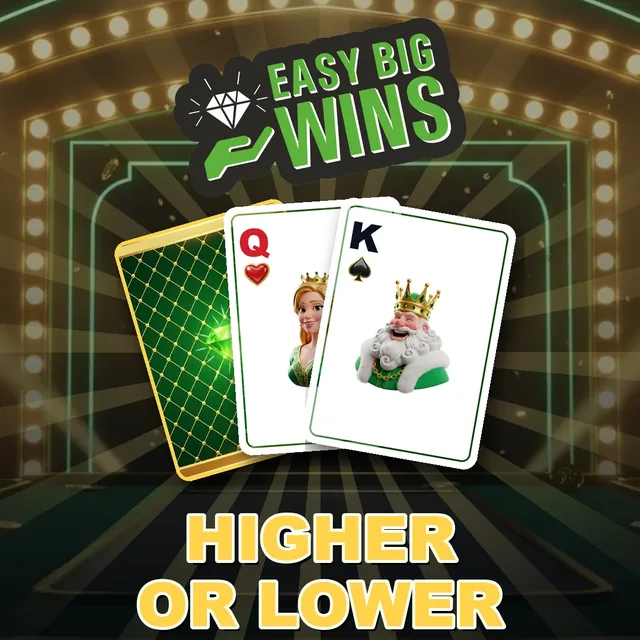 Higher or LowerBeat the Dealer: higher or lower, climb the prize ladder.
Pop-ups
Shown on stream straight away, on top of the Live Draw and Host Games scenes.
First name and initial only. Each one also joins the "Just won" ticker for the rest of the day.
Scene words
The big words at the top of the Live Draw and Host Games scenes.
Scenes
After an update to the scenes, this makes every scene in OBS load again. Nothing else changes.
Set-up guide: open the guide
Change password
The password for this controller and the host games. Changing it signs out every other phone and computer; this one stays signed in. At least 10 characters.